How to find a beauty salon near you and arrive prepared
Find beauty salons by city or near you, save favorites and set appointment reminders, plus a simple plan for a big change and how to show what you want.
4 min read



A good salon visit starts before you sit in the chair. Choosing the right place, knowing what to ask and being able to show what you want make the difference between a result you love and one you simply live with. Here is a practical way to do all three, and how VIPAD keeps the details in one place.
Search by city or near you
In VIPAD, open Find Beauty Salons. You can type a city or a district, for example the neighborhood where you work, or tap Near Me. Near Me uses your location for that one search and never saves it. If location is off for VIPAD, typing an area still works.
The list comes from Google Maps and keeps the order Google gives it. In some cities a short list of Premium salons appears first. Those salons paid VIPAD for the placement, and the app marks them as a sponsored placement, not a rating or a recommendation.
Find a salon and keep every visit
Salon search, appointment reminders and your Beauty History are all in VIPAD.
What each salon page gives you
- Rating: the salon's score out of 5 and how many people rated it on Google Maps.
- Call: phone the salon straight from the page.
- Website: open the salon's own site when it has one.
- Directions: open the address in Google Maps.
- Save salon: keep it in your Saved salons list, with your own name for it and a private note.
- Add appointment: record the visit with a reminder.
Only you can see your Saved salons list. The note is useful for the small things you forget, such as the name of the colorist you liked or which entrance is easier to find.
Appointments and reminders
VIPAD does not take bookings. You arrange the appointment with the salon by phone or on its website, then add it in VIPAD with the service, the date, the time and a reminder. Think of the reminder as a note to yourself: the salon does not see it and nothing is confirmed with them, but you will not forget the date.
As the day comes closer, the appointment appears on Today. Afterwards, VIPAD asks how it went, and you can save the visit to your Beauty History with the treatment, the salon, the professional, the cost, the products used and before and after photos if you want them. The next time you book, you know exactly what was done and by whom.
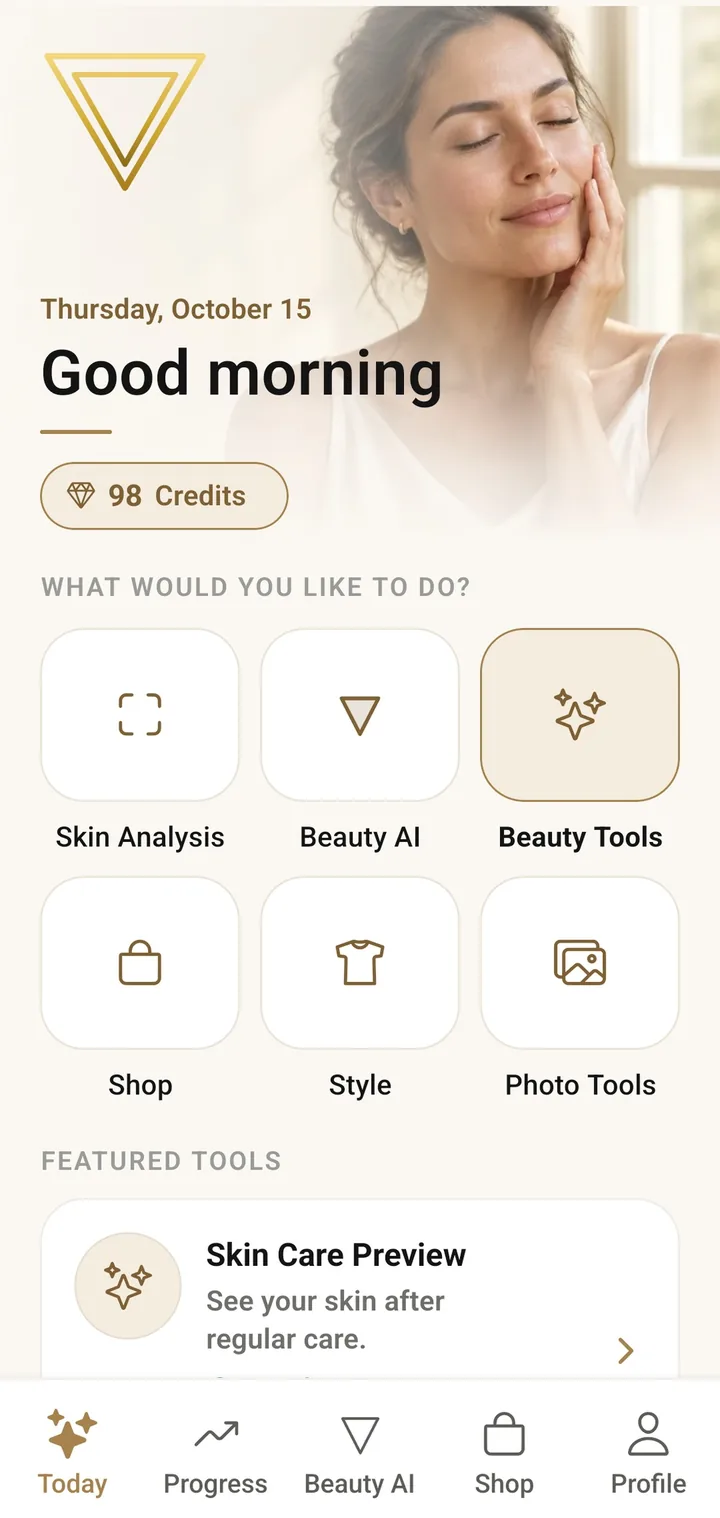
Your day in VIPAD
Today is the home screen of VIPAD, where an upcoming appointment also shows up when it is due.
A simple timeline for a bigger change
A trim needs no planning. A new color, a first facial or a lash treatment goes better with some lead time, and VIPAD does not check or guarantee any salon's work, so give yourself room to choose well.
- Two or three weeks before: search, save two or three salons and use the private note to record what you learned about each.
- One or two weeks before: call your first choice, ask who will do the work and book a short consultation if the change is big.
- A few days before: ask whether you need a patch test. For hair color it is often done about 48 hours ahead.
- The day before: gather your preview pictures and the list of products you use, and check the reminder in VIPAD.
Before you go: what to tell the salon
- Hair: ask whether to arrive with washed or unwashed hair, and wear it the way you usually style it so the stylist sees your everyday reality.
- Skin and brows: tell the professional which products you use, especially exfoliating acids or retinoids, and mention any sensitivities.
- Nails: bring a picture of the shape, length and color you want.
- Before anything is applied: mention allergies, recent treatments and any irritation.
- Time: leave space in your day. A rushed color or cut rarely ends well.
My Products helps with the second point. If your products are in VIPAD, you can open the list on your phone and show the brand and the name of everything you use, instead of trying to remember it in the chair.
Show what you want, not only describe it
Words like shorter, warmer or softer mean something different to every stylist, so a preview on your own photo is easier to agree on. Hairstyle Preset, Hairstyle From Photo, Bangs and Hair Color all work this way, and your previews stay in Studio History, ready to open in the chair.
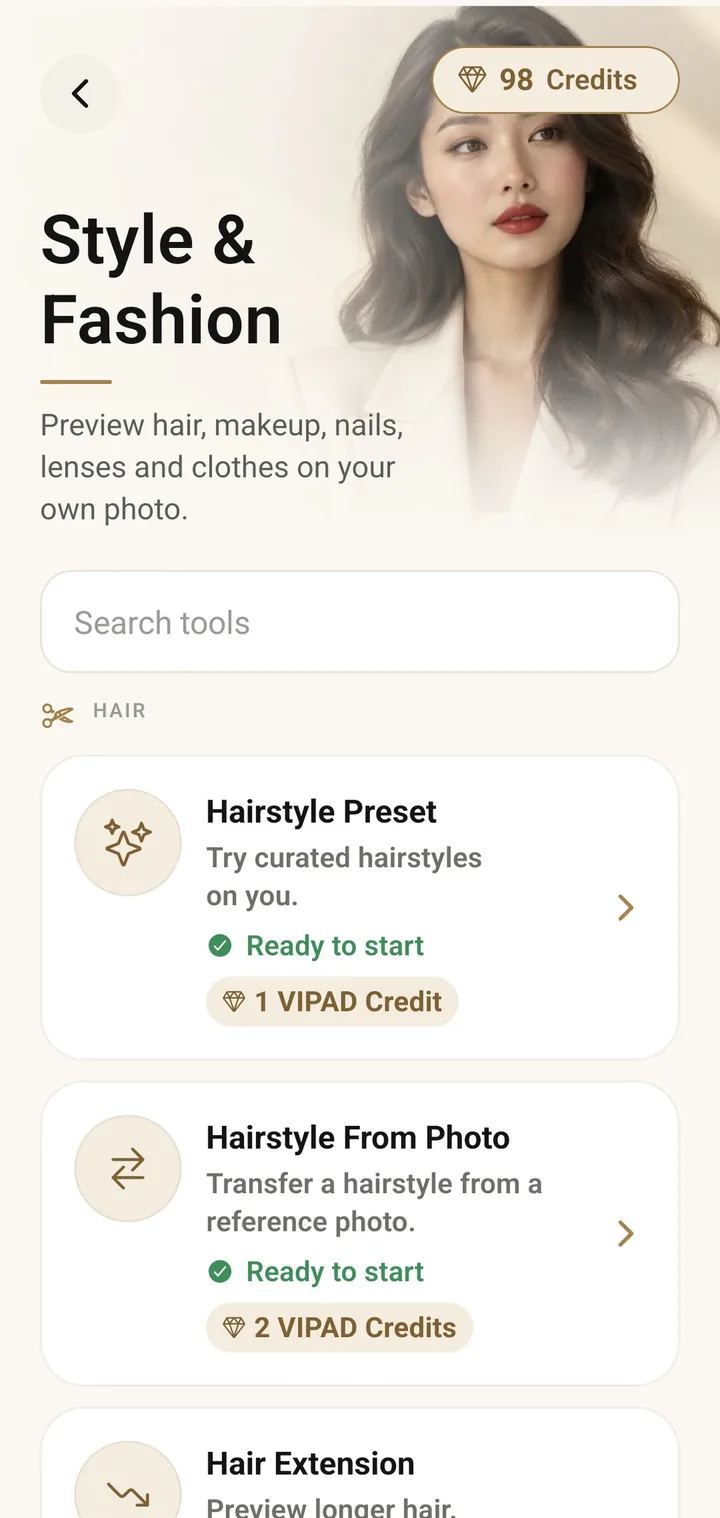
Before the cut
Style and Fashion tools show a hairstyle on your own photo, so you and your stylist look at the same idea.
Before a facial, Skin Care Preview can help you put a goal into words, such as calmer redness or smoother texture, by easing the concerns you pick on your own photo. It is an edited picture, not a promise of what any treatment will do, so let the esthetician tell you what is realistic.
A preview is a starting point for an honest conversation, nothing more. If you are thinking about color, our guide to hair color ideas before the salon walks through the questions to ask first.
After the visit
Write down what worked while you still remember it. If the salon recommended a new product, add it to My Products and start a check in after 14, 30 or 60 days, so the decision to buy it again rests on what you noticed rather than on a promise.
Find a salon and keep every visit
Salon search, appointment reminders and your Beauty History are all in VIPAD.