How to find a lipstick shade that suits you
Eight lip color families and four finishes, matched to warm, cool and neutral undertones, and how to preview them on your own photo.
3 min read


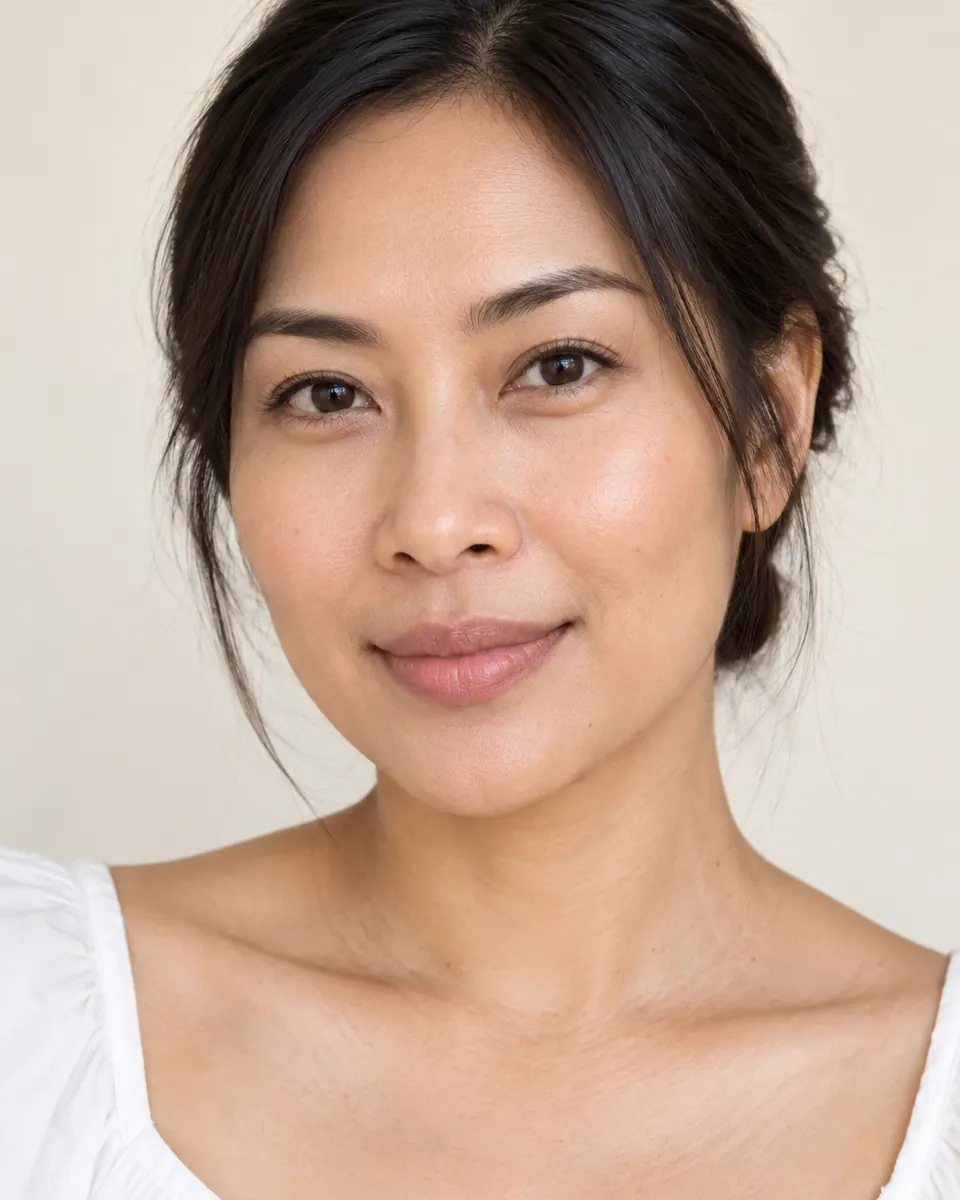
The perfect lipstick in the shop can look completely different at home. Store lighting, the tester and the colors you wear all change how a shade reads. The quickest way to narrow the choice is to start from your undertone.
Eight color families
- Nude: close to your own lip color, polished and easy.
- Pink: from soft baby pink to bright fuchsia.
- Coral: pink with a warm orange note, fresh in summer.
- Red: the classic, from orange red to blue red.
- Berry: a deep pink red with a cool note.
- Plum: dark and rich, with a violet base.
- Brown: warm and modern, from caramel to espresso.
- Mauve: a muted pink with a touch of grey or violet.
Try a lipstick on your own photo
Lipstick is one of the try on tools in VIPAD.
Matching shades to undertones
- Warm: coral, peachy nude, brick red and warm brown.
- Cool: berry, plum, mauve and blue red.
- Neutral: most families work, and dusty rose and a true red are easy wins.
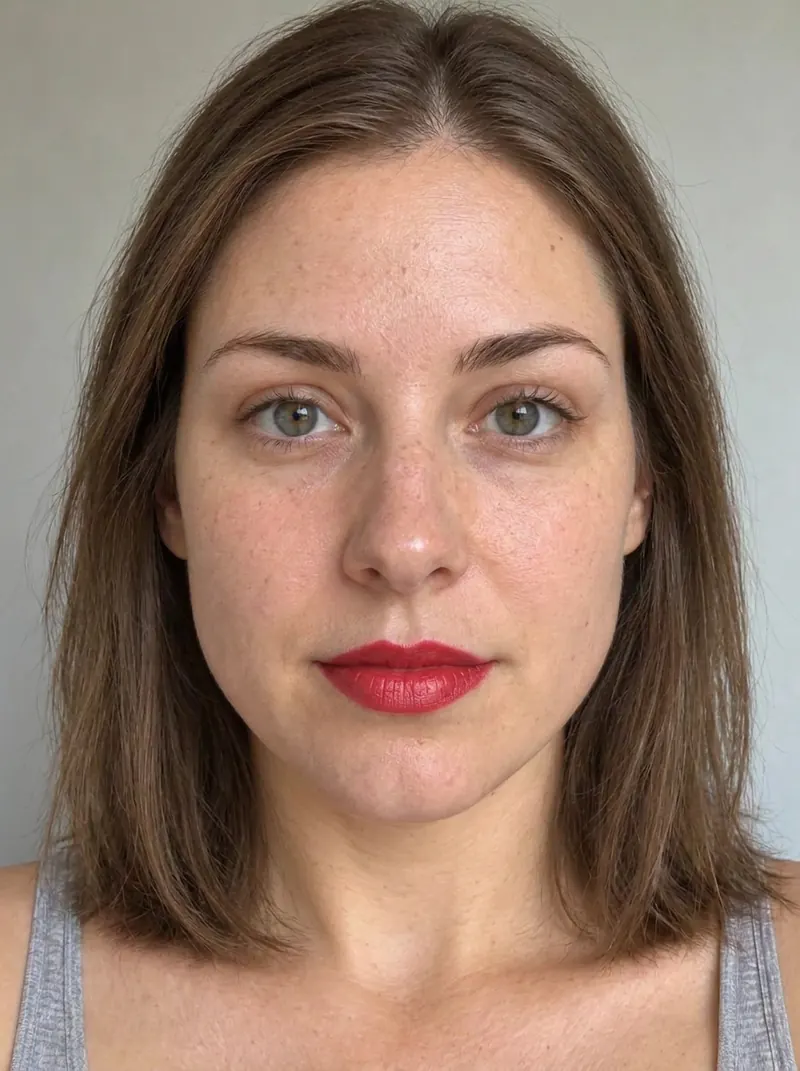
In the app
A red lipstick previewed with Lipstick in VIPAD, on a photo taken bare faced.
The finish matters too
- Matte: the most color and the longest wear, but it can feel dry.
- Satin: soft color with a gentle sheen.
- Gloss: shine that catches the light and makes lips look fuller.
- Sheer: a wash of color, the easiest everyday choice.
Try it on your own photo
Lipstick in VIPAD lets you pick a color family and a finish and see them on your own face. Try a safe shade and a bold one side by side. You may be surprised which one you save to My Looks.
Try a lipstick on your own photo
Lipstick is one of the try on tools in VIPAD.