My Products and Routines: keep your shelf organized and your routines easy to follow
How to sort your beauty shelf, add products by photo or typing, track opened and expiry dates, and turn morning and evening steps into a habit in VIPAD.
5 min read


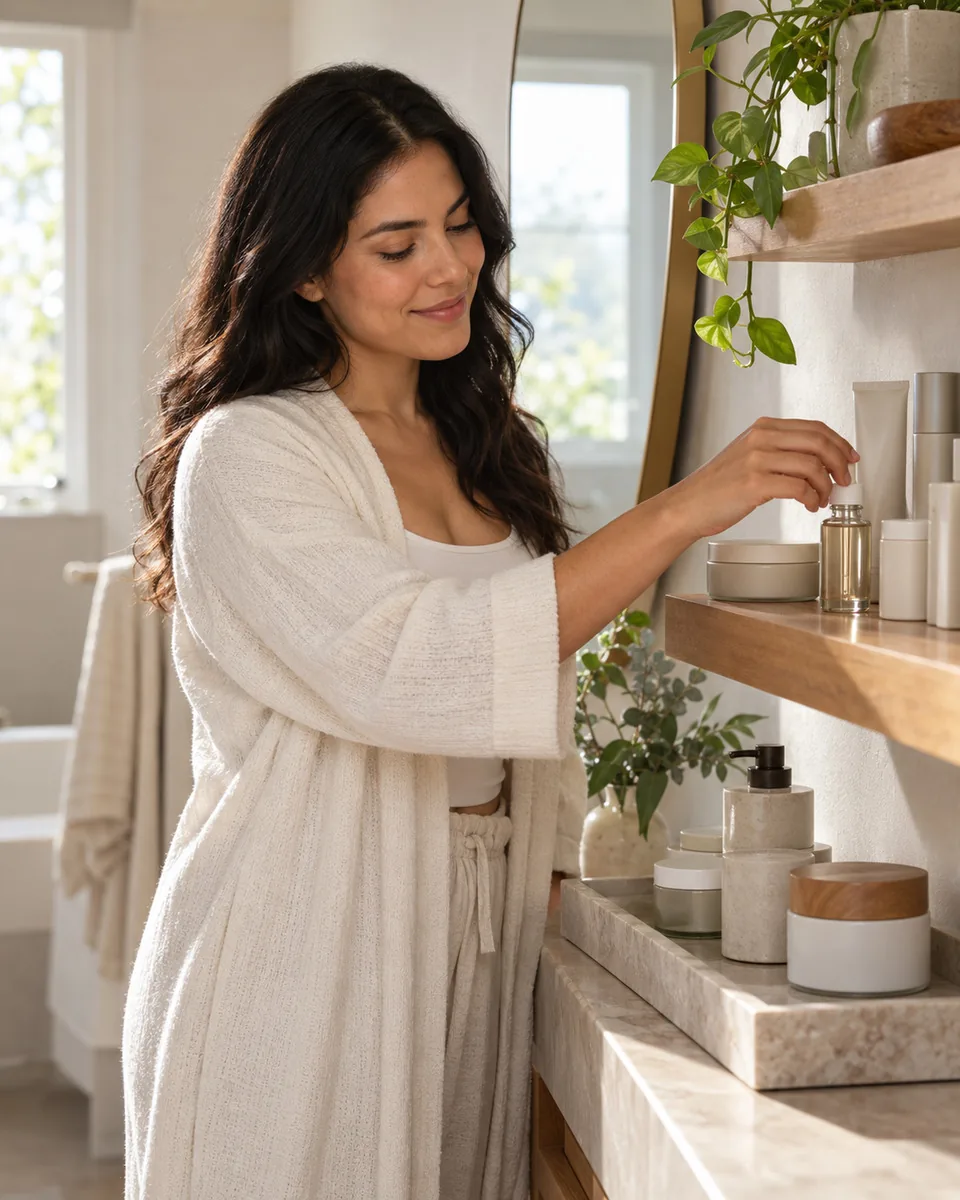
Most people know roughly what is in their bathroom cabinet, but not exactly. There is a serum opened sometime last spring, a sunscreen that might be from two summers ago, and three moisturizers at different levels. A shelf like that makes a routine harder to keep, because every morning starts with a decision.
My Products and Routines in VIPAD are two halves of one habit. My Products is the list of what you own. Routines are the steps you actually do, built from that list. This guide is about keeping both tidy so they stay useful. For help choosing the steps themselves, see our guide to building a skincare routine from the products you already own.
Start with what you use every week
You do not need to add your whole cabinet on the first day. The products that matter most are the ones your routines will use, so begin there and fill in the rest over time.
- First, the products you use every morning and evening, such as your cleanser, moisturizer and sunscreen.
- Next, the weekly ones: masks, exfoliants and hair treatments.
- Then anything you use now and then, such as a lip balm or an eye cream.
- Leave unopened backups for later. They matter less until you open them.
Put your shelf in one place
My Products, Routines and Beauty AI work together in VIPAD.
Three ways to add a product
In My Products, tap Add product and choose how you want to add it. Nothing is added until you confirm.
- Take a photo: photograph the front of one product and VIPAD reads the brand and the name from the label.
- Photograph several products: capture a few at once, then check each one on a single review screen.
- Enter it yourself: type the brand and the product name, pick it from the VIPAD catalog if it appears, or add it in a few seconds if it does not.
Label reading works best in good light with the front of the pack facing the camera. You check every field before anything is saved, you can remove anything that was read wrongly, and you can correct details later. If you add a product you already have, VIPAD asks whether to increase the quantity, update the existing one or keep it as a separate item.
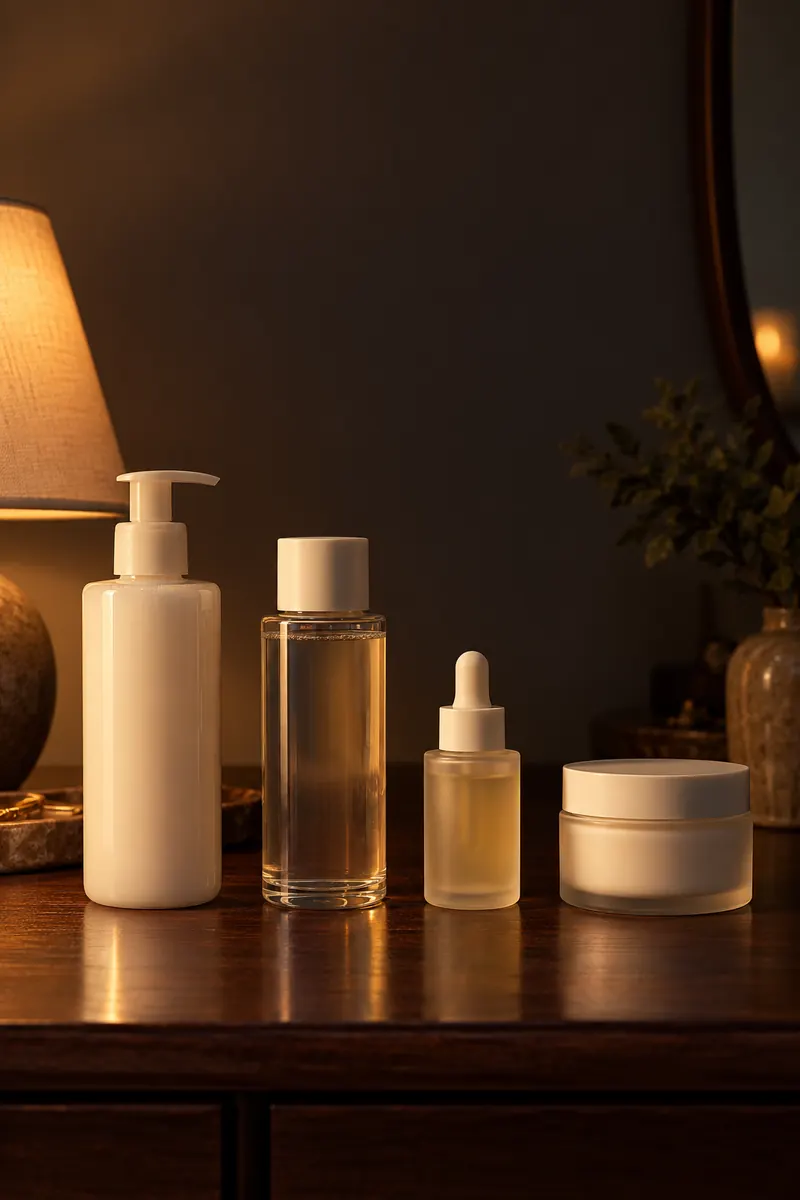
Tip
Line products up with the labels facing you, and photograph several in one go.
Details worth recording
A name alone is a start. A few optional details make the list much more useful a few months from now.
- Date opened: the most useful date for skincare, since many products are meant to be used within months of opening.
- Expiration date: printed on many sunscreens and products with active ingredients.
- Shade or variant, and size: handy when you want to buy exactly the same one again.
- Notes: how it feels, when you use it, or anything you noticed.
- Whether it worked: your own verdict, which VIPAD remembers for later suggestions.
When a product runs out, mark it as finished. Products you stopped using can be archived without losing their history, and Use again brings them back. Using, Finished and Archived each have their own tab, so the main list stays short and current.
Build routines from your own shelf
Once your products are in, open Routines. There are five kinds of routine, each made of steps you choose:
- Morning skincare: usually short, ending with sunscreen.
- Evening skincare: where treatments and richer creams usually go.
- Hair routine: wash day steps, masks and leave in care.
- Weekly treatment: the steps you do once or twice a week, such as an exfoliant or a mask.
- Pre event: extra care in the days before a wedding, a trip or a photo shoot.
Add steps from your products so each step points to something you actually own. If you delete a product, it is also removed from any routine step that used it, so your routines never list things that are no longer on your shelf.
Make the routine a habit
A routine only helps if you do it. Habits last longer when they are small and tied to something you already do every day.
- Attach it to a fixed moment, such as brushing your teeth.
- Keep the products where you use them, in the order you use them.
- Start small. Three steps every night beat seven steps twice a week.
- Mark the routine complete when you finish. Seeing Done today is a small reward that makes tomorrow easier.
- Give the weekly treatment a fixed day, so you do not exfoliate twice by accident.
How Beauty AI uses your shelf
An organized shelf is useful the moment you ask a question. Beauty AI can see your products and your routines, so you can ask which of your products to use today, whether a product you are thinking of buying would repeat something you own, or which product you should stop repurchasing.

In the app
Beauty AI suggests questions about your own shelf, such as which of your products to use today.
The same list helps when you browse the VIPAD Store. If a suggestion is something you already have, tell VIPAD you own it and it counts as one of your products from then on.
Keep your shelf and routines in step
The two lists drift apart when products come and go. Today, the home screen of VIPAD, points out the gaps so you can fix them in a moment:
- A new product that is not part of any routine yet, with a nudge to add it.
- A finished product that is still a step in one of your routines.
- A routine that is missing a basic step, such as a sunscreen or a moisturizer.
- A product that has passed the expiry date you entered.
Each of these takes a tap or two to fix, and a list that matches your real shelf keeps every routine and every suggestion grounded in what you actually use.
Put your shelf in one place
My Products, Routines and Beauty AI work together in VIPAD.