What one selfie can tell you about your skin
How Skin Analysis in VIPAD reads seven visible signs from a single front facing photo, and how to take the selfie that gives you the clearest result.
4 min read


Most skincare decisions start with a guess. Is my skin dry, or just tired? Do my pores look bigger than last month? Skin Analysis in VIPAD replaces some of that guessing with a clear, repeatable reading of what a camera can actually see.
Seven readings from one photo
You take one front facing selfie. VIPAD looks at the visible surface of your skin and returns an overall appearance reading together with seven separate readings, each on its own scale with a plain label.
- Hydration appearance: how plump and even the surface looks.
- Visible redness: how much redness shows across the face.
- Texture appearance: how smooth or uneven the surface looks.
- Visible pores: how noticeable the pores are.
- Oiliness appearance: how much shine the skin shows.
- Dark circles appearance: how much shadow sits under the eyes.
- Radiance: how much light the skin reflects back.
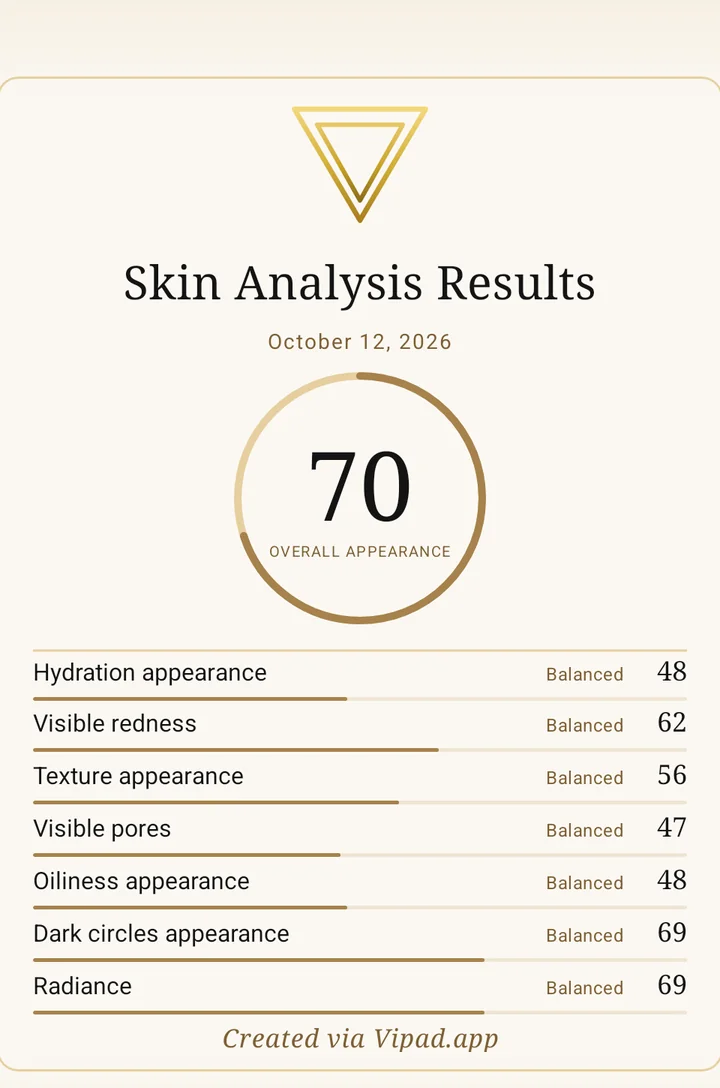
In the app
A Skin Analysis result in VIPAD. One date, one overall reading and the seven readings beneath it.
These readings describe appearance only. They are not a diagnosis and they do not replace a dermatologist. Their value is consistency: the same seven readings, taken the same way, every time you check.
Read your skin from one selfie
Skin Analysis, Beauty AI and your Beauty History are all in VIPAD.
How to take a selfie that reads well
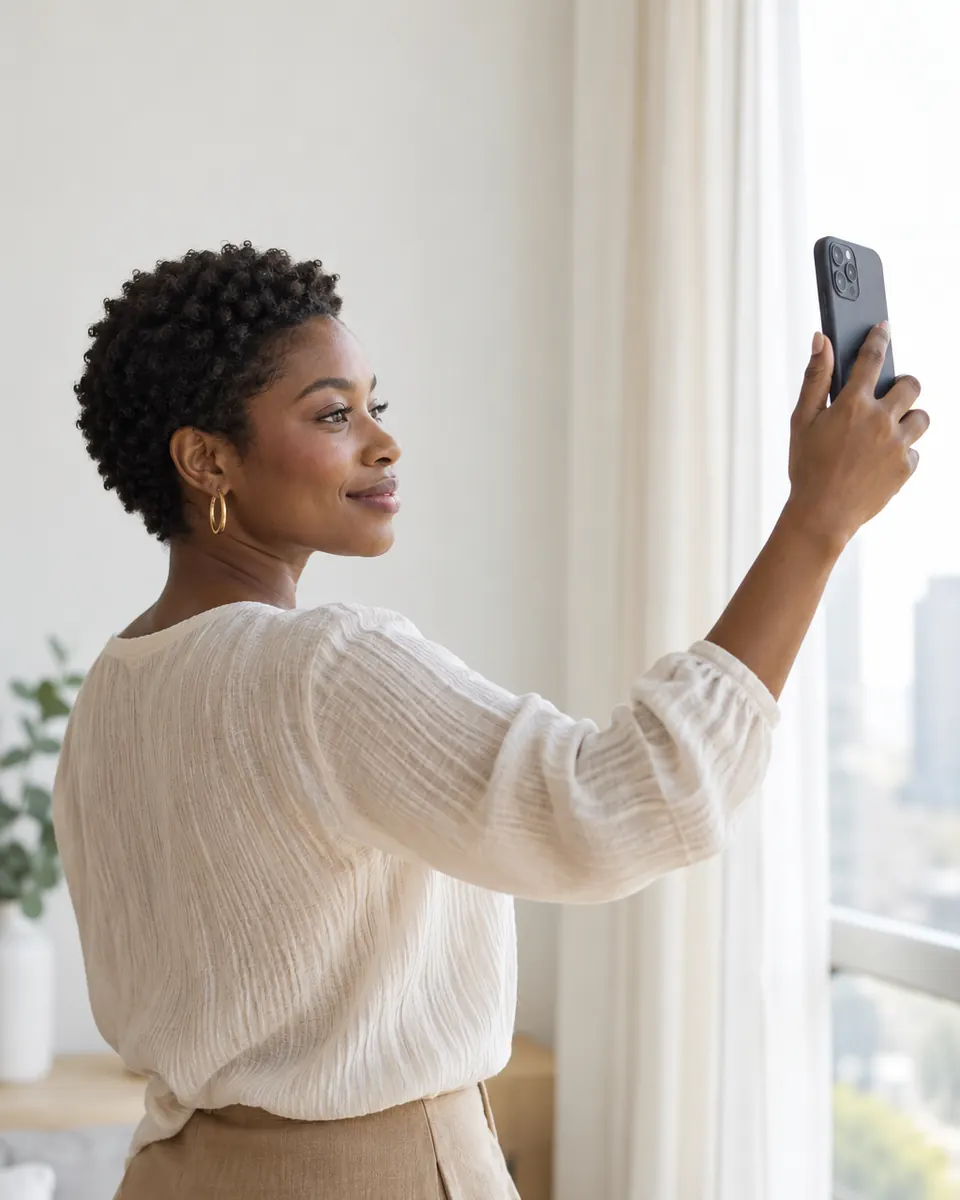
- Face a window: soft daylight from the front, no direct sun and no overhead bulbs casting shadows under the eyes.
- Start clean: remove makeup and wait a few minutes after cleansing so the skin settles.
- Hold the phone at eye level: straight in front of you, with your whole face in the frame.
- Clear your face: pull your hair back from your forehead and cheeks.
- Repeat the setup: use the same spot and a similar time of day when you check again.
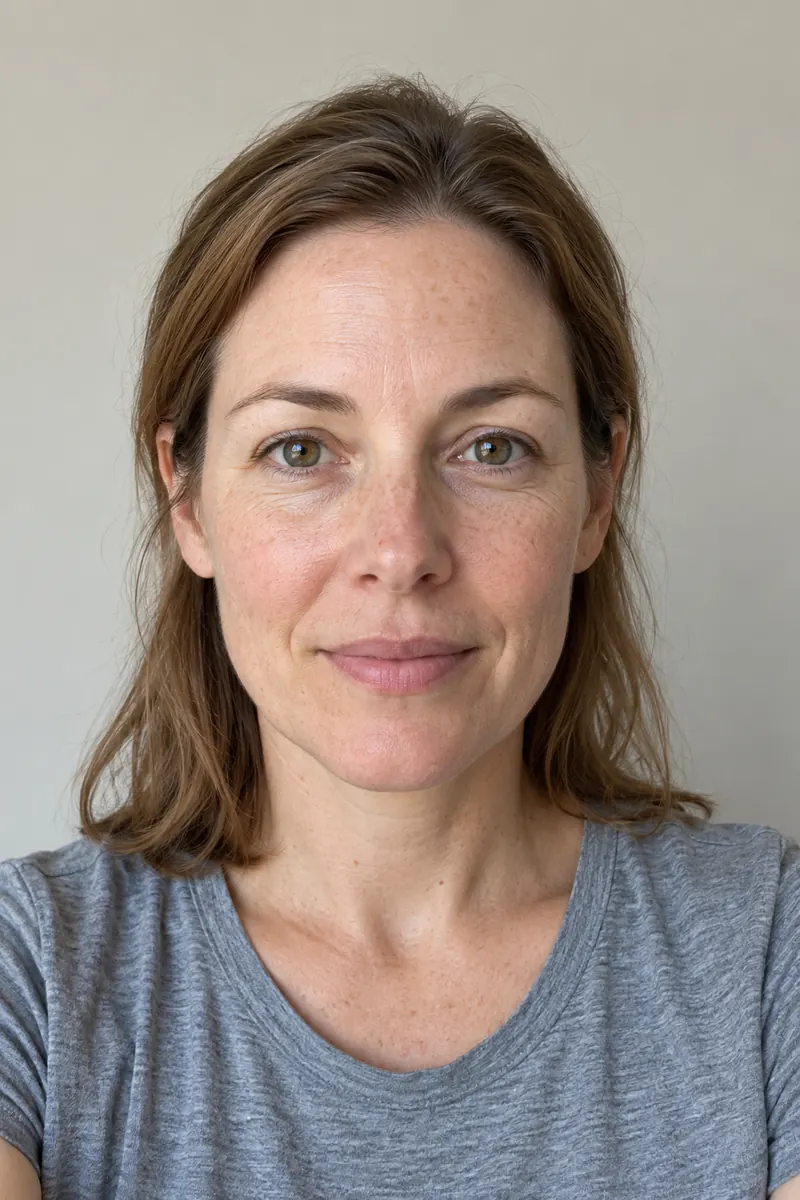
Tip
Even window light and a straight angle give the clearest reading. Side light and a tilted phone make texture and shadows look stronger than they are.
What happens after the result
A number on its own does not tell you what to do next. In VIPAD you choose which results to add to your Beauty Profile. From there, Beauty AI can explain what the analysis measured, what to focus on first and how the products you already own fit in.
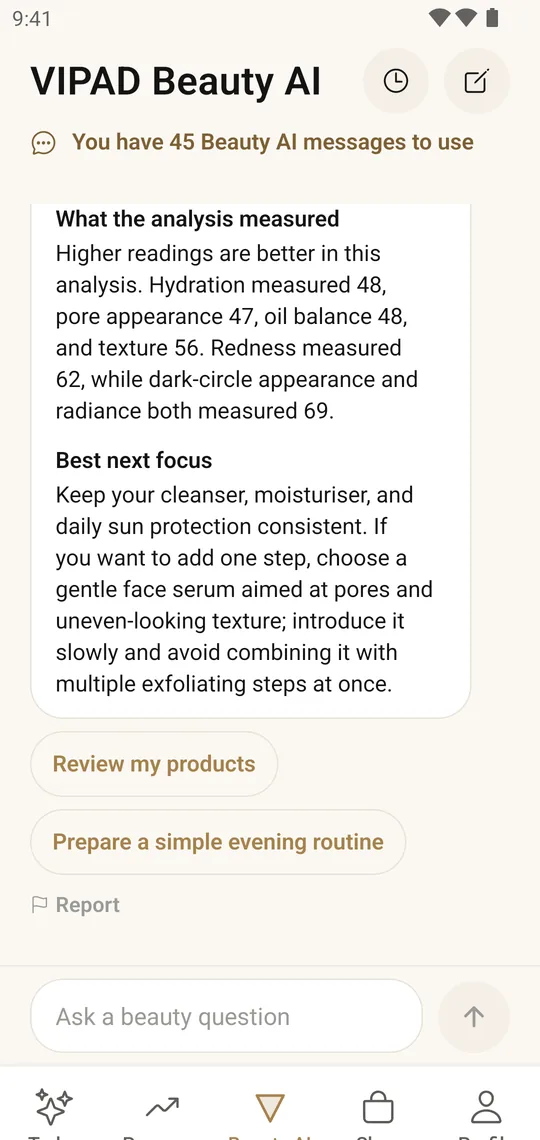
In the app
Beauty AI explains a result using your own readings, then suggests the next focus and a simple evening routine.
Every result is saved in your Beauty History, so you can repeat the analysis later and see how the readings move over weeks, not only how your skin looked on one good or bad day.
Good to know
- One analysis is a snapshot: light, sleep and the weather all change how skin looks on a given day.
- Compare like with like: results are most useful side by side when the photos are taken the same way.
- Pick one focus: start with one or two readings to work on rather than all seven at once.
Read your skin from one selfie
Skin Analysis, Beauty AI and your Beauty History are all in VIPAD.