The best skincare routine tracker app: what it should track
Why tracking your skincare routine helps, what a good routine tracker app should record, and how My Products, Routines and Progress in VIPAD cover each part.
6 min read



Ask anyone whether a serum worked for them and you often get an unsure answer. They used it for a while, then switched, and now they cannot remember what changed. Skin changes slowly, and memory is not a reliable record.
That is the problem a skincare routine tracker app should solve. Not by turning your routine into extra work, but by quietly keeping the facts you would otherwise lose.
Why tracking your routine helps
- You find out what works for you: a product that suits a friend may do nothing for your skin, and only your own record can tell the difference.
- You stop buying twice: knowing what is already open on your shelf saves money.
- You use products while they are fresh: opening and expiry dates are easy to forget once the box is gone.
- You stay consistent: most products need regular use over weeks before you can judge them fairly.
- You change one thing at a time: a record shows exactly when each new product entered your routine.
The last point matters more than people expect. If your skin looks different this month, a tracker lets you look back and see what changed and when, instead of guessing.
Track your routine in one place
My Products, Routines and Progress are connected in VIPAD.
What a good routine tracker should record
Many trackers stop at a checklist of steps. That is a start, but a tracker becomes really useful when it also knows your products and your results. Here is what to look for.
- Your shelf: every product you own, easy to add without typing every detail.
- Product dates: when you opened it, when it expires and when you finished it.
- Routines made from your own products: separate morning, evening and weekly routines, not one long list.
- A simple done mark: one tap when the routine is finished, with no streak pressure.
- Gentle reminders: for routines and expiry dates, which you can turn off.
- Result check ins: a way to say whether a product worked, after a period you choose.
- Skin results over time: readings you can compare across months, not just a diary.
- Advice that reads all of the above, so you do not have to explain your routine again each time.
Paper, a notes app or a dedicated tracker?
A paper journal or a notes app can work, and some people love the ritual. The weakness is that a note cannot remind you of an expiry date, cannot see your shelf when you ask for advice and cannot line up your results by month.
A dedicated tracker is worth it when it does those jobs for you. If an app asks you to type more than a note would, it is not saving you anything. The test is simple: after the first week, does it take less effort than your notebook did?
My Products: your shelf, without the typing
In VIPAD, My Products is where your shelf lives. You can add a product by taking one photo, several photos or by typing its name. VIPAD reads the label, then waits for you to check what it found, so the list stays accurate.
For each product you can keep the date you opened it, its expiry date and the date you finished it, and you can record whether it worked. When a product is close to its expiry date, Today tells you. When you finish a product that is still part of a routine, Today points that out too, so a missing step does not go unnoticed.
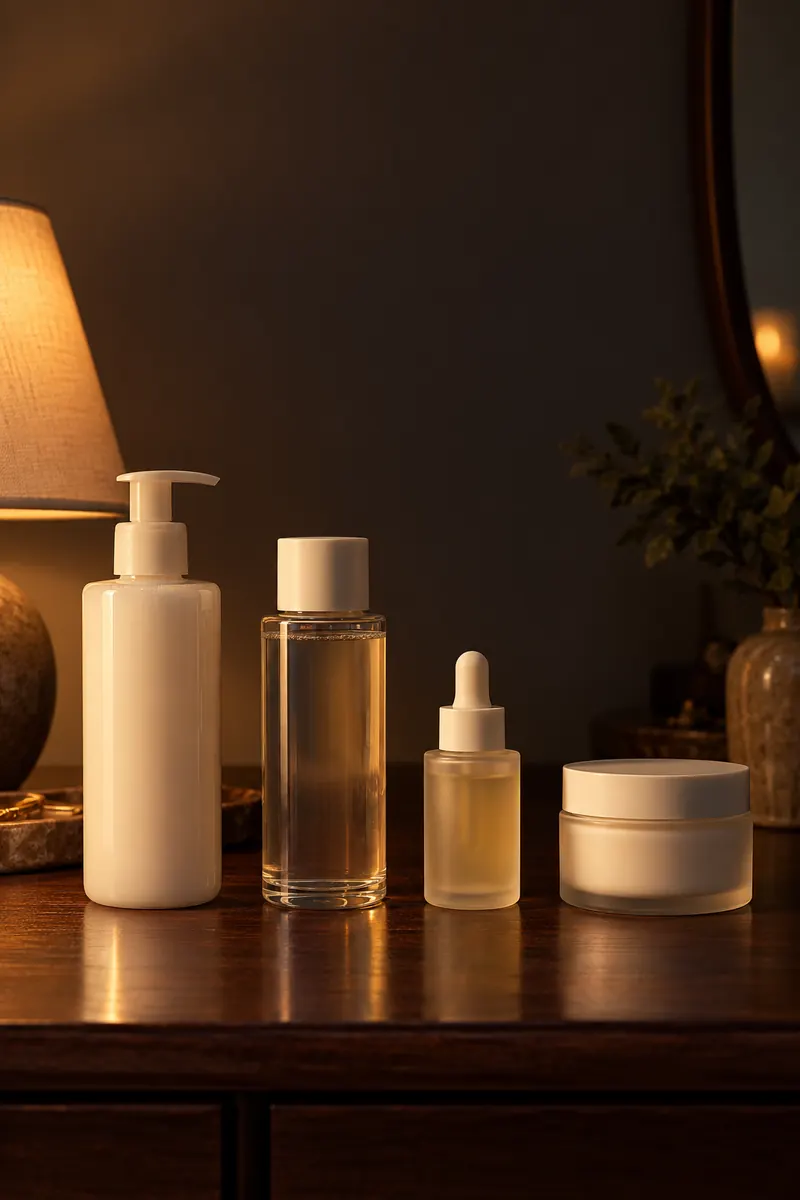
Your shelf
Each product on your shelf can carry its own opening date, expiry date and verdict.
Routines: built from what you own
Routines in VIPAD are made from the products in My Products. You can keep a morning routine, an evening routine, a hair routine and a weekly routine for steps you do less often, such as a mask. When you finish a routine, you mark it done.
If you are not sure how to order your steps, Beauty AI can draft a routine from what you already own, using your Beauty Profile and your analysis results. Our guide to building a skincare routine from what you own explains the basic order if you want to set it up by hand.
Reminders follow the same restrained approach. VIPAD can remind you about your routine and about a product close to its expiry date, and a check in waits for you on Today when it is due. You can turn routine reminders off in Settings.
Progress: did it actually work?
Tracking steps is only half of the picture. The other half is results. Progress in VIPAD sets your Skin Analysis results next to each other over 1, 3, 6 or 12 months, so you can see how readings such as moisture, texture or radiance moved across a season rather than on one good or bad day.
For a single product, Track a result lets you follow it for 14, 30 or 60 days. When the date you picked arrives, VIPAD asks how it went. You can follow a product, a routine, a treatment or a goal the same way.
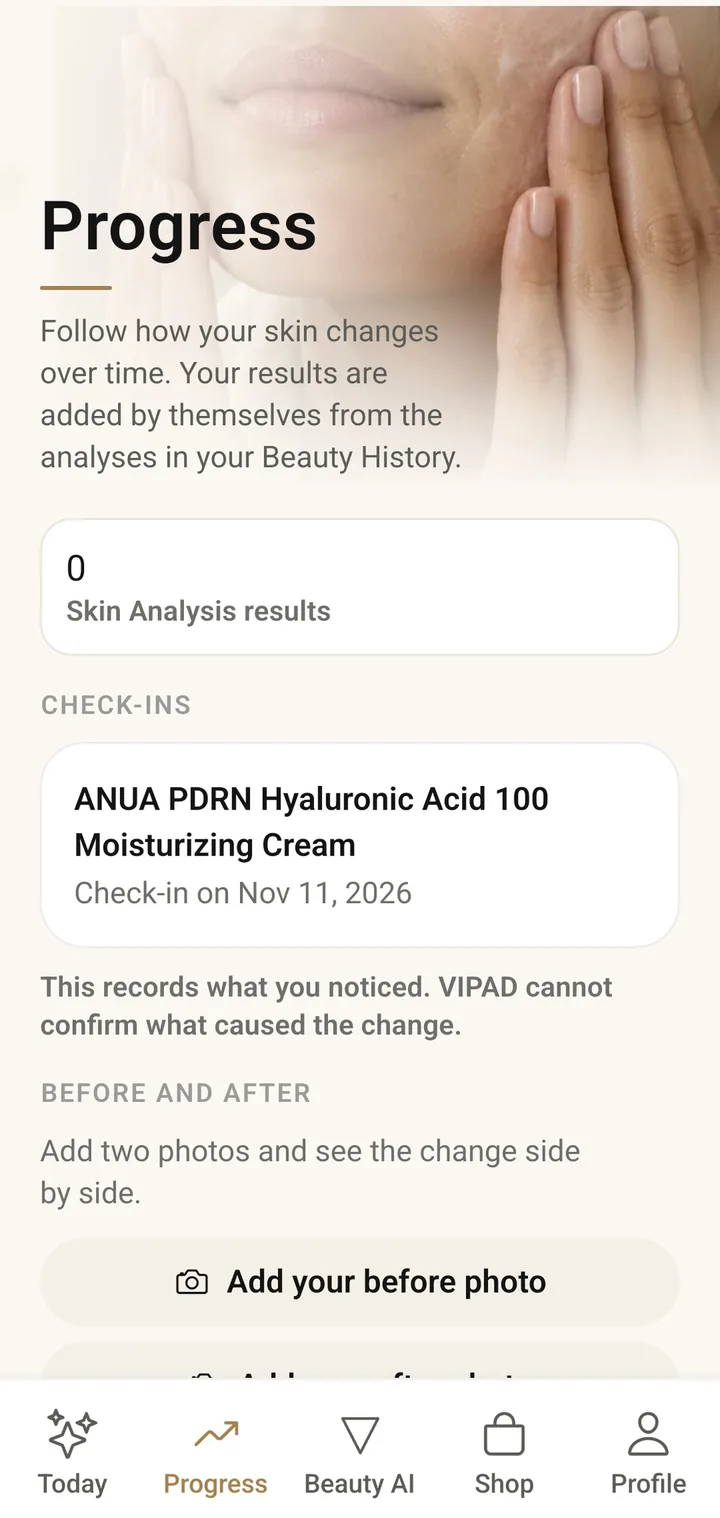
In the app
Progress keeps your Skin Analysis results and your check ins on one timeline.
How the parts work together
Each part works on its own, so you can simply keep a list of your products and never touch the rest. The value grows when they connect. A finished product can appear in the Shop as one to restock, and a product that fills a gap in your routine is labeled that way. When you ask Beauty AI what to change, it starts from your routines and your shelf instead of a general list.
Set up your tracker in one week
- Day 1: add every product you use today to My Products, with a photo of each label.
- Day 2: add opening dates where you remember them, and expiry dates from the packaging.
- Day 3: build a morning and an evening routine from those products.
- Day 4: if you want a reading to compare later, take a Skin Analysis in your usual light.
- Day 5: pick the one product you most want to judge and start Track a result.
- Days 6 and 7: follow your routines, mark them done and notice how little effort it takes.
After that, the tracker mostly runs itself. You add new products as they arrive, mark old ones finished and answer a check in when it is ready.
Good habits for honest tracking
- Introduce one new product at a time, so a check in tells you about that product alone.
- Answer check ins honestly, even when the answer is no change.
- Record what you stopped using, not only what you started.
- Keep your Skin Analysis photos in the same light and at the same time of day.
A tracker cannot make a product work, and VIPAD does not diagnose or treat skin. What it can do is give you a clear record, so your next choice is based on what happened to your own skin.
Track your routine in one place
My Products, Routines and Progress are connected in VIPAD.