How to organize your skincare products, from opened dates to storage
A practical way to organize your skincare shelf: opened dates, expiry, good storage, what worked for you, and how to stop buying the same product twice.
5 min read


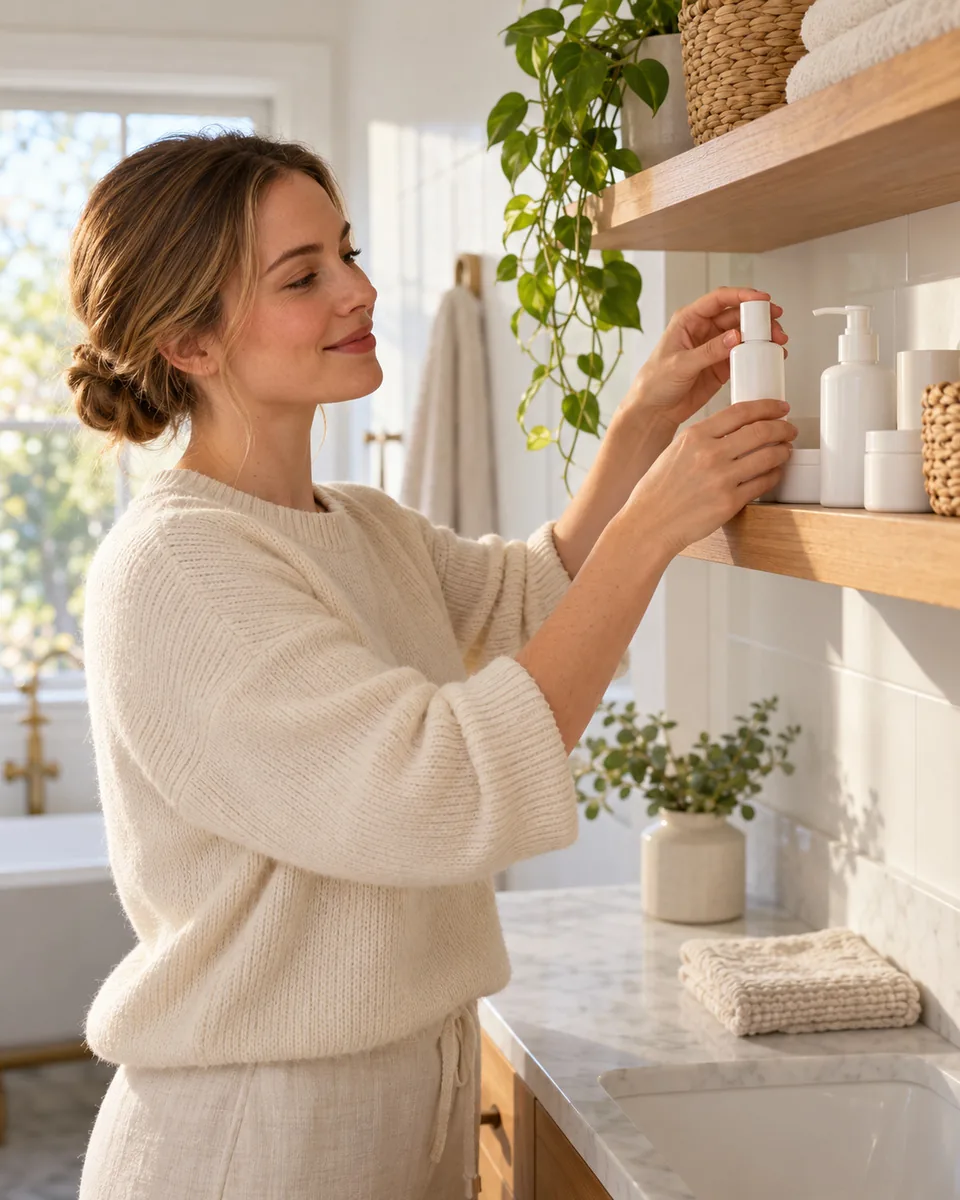
An untidy skincare shelf costs more than space. Products expire before they are finished, the same moisturizer gets bought twice, and the serum that really suited you is forgotten behind three that did not. A shelf that is easy to read is a shelf you actually use.
Start by taking everything out
Empty the bathroom shelf, the drawer, the travel bag and the box under the sink. You will probably find more than you expected. Sort everything into four groups.
- In use: the products you reach for every week.
- Unopened: backups, gifts and things you bought but never started.
- Not sure: opened, but you do not remember when or why you stopped.
- Finished or past its date: empty, nearly empty or expired.
The not sure group is where most of the clutter hides. Be honest with it. If you cannot remember when you opened a product and it has changed in any way, it is safer to let it go.
Keep your shelf in one place
My Products in VIPAD tracks opened dates, expiry and what worked for you.
Read the dates on the pack
Skincare usually carries two kinds of date. One is an expiry date, printed as a full date. The other is the period after opening symbol: a small open jar with a number and the letter M, such as 6M or 12M. It tells you how many months a product is meant to be used once it has been opened.
The period after opening only works if you know when you opened the product. That is the detail almost everyone forgets. Write the month on the base with a marker or a small sticker the day you open it. Eye products, such as mascara and eye creams, deserve the closest attention to their opened dates.
Dates are only one check. Your own eyes and nose are the second, so look for these signs as well.
- A change in smell, often sour, sharp or simply different from when it was new.
- A change in color, such as a serum turning darker or yellower.
- Separation that does not mix back when you shake or stir it.
- A new texture: grainy, watery, lumpy or sticky.
Any of these signs means it is time to replace the product, whatever the date says. Sunscreen past its date is worth replacing too, because you rely on it to do its job.
Store products where they keep well
Most skincare likes a cool, dry, dark place. A steamy shower shelf or a sunny windowsill is the hardest spot for a product to stay as it was made.
- Keep products away from direct sunlight and heaters, and close lids firmly after each use.
- Give light sensitive products, such as many vitamin C serums, a place inside a cabinet or drawer.
- Use clean, dry hands or a small spatula for jars, so water and fingers stay out of the product.
- Keep the fridge for products whose label asks for it, or for eye gels you simply like cool.
- In the car or a hot bag, products can change faster, so do not leave them there for long.
Arrange by how often you use it
A shelf is easiest to use when its layout follows your day. Put the products you use every morning and evening at the front, in the order you apply them. Weekly products, such as masks and exfoliants, go behind them or in a drawer. Unopened backups live in a separate box, ideally no more than one per product.
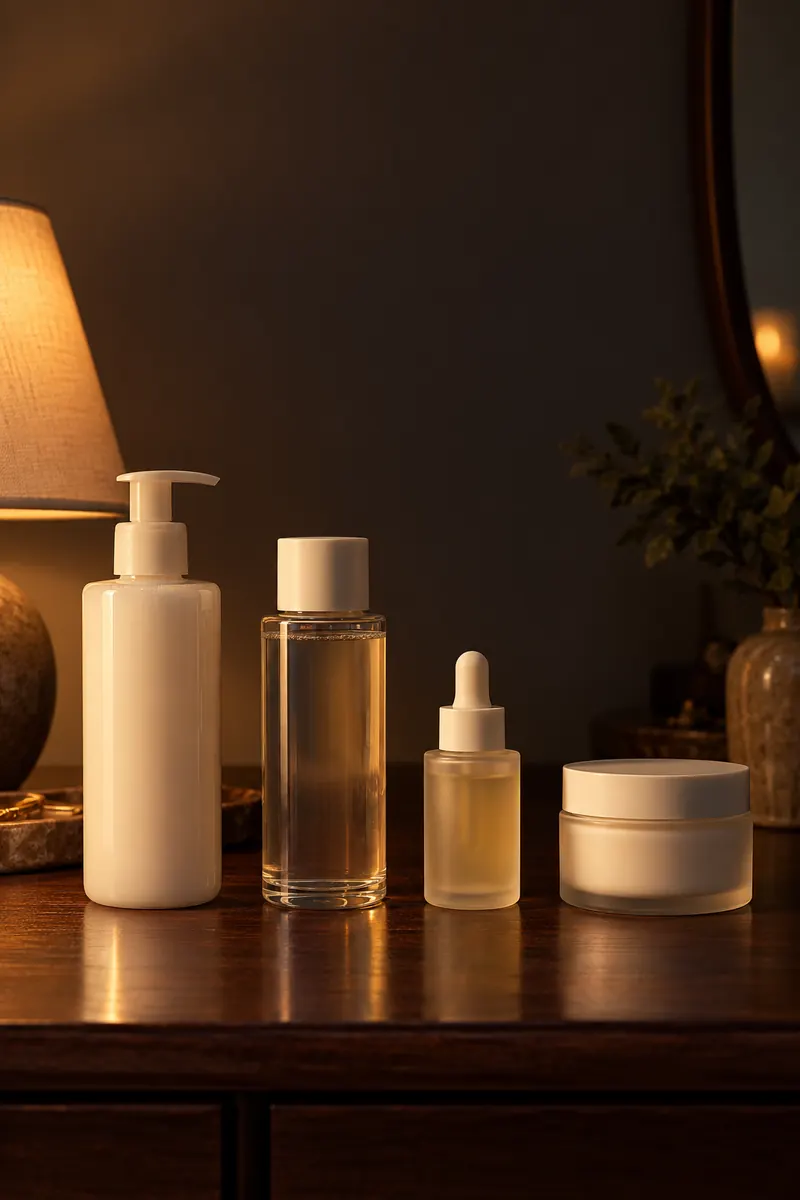
Front row
The products you use every day sit at the front, in the order you apply them.
Keep a record of what worked
Six months from now, you will not remember whether that toner made your skin feel tight or whether the night cream was the one that broke you out. A short record saves you from buying the wrong thing again. For each product, note when you started it, when you finished it and one line about how it went.
A record also helps when you see a professional. An esthetician or a salon will often ask what you use and what has caused trouble before. A list with names and dates answers that in a minute.
How to stop buying duplicates
- Check the backup box before you shop, not after.
- Keep a list of what you own on your phone, so it is with you in the store.
- Follow a one in, one out habit: a new cleanser joins the shelf when the old one is finished.
- Ask whether a new product does a job you are not covering yet, or a job something on your shelf already does.
My Products keeps your shelf on your phone
My Products in VIPAD is that list, with the dates and notes built in. You add a product with a photo, photograph several products at once to capture a whole shelf, or type the brand and name. VIPAD reads the label and shows you what it found, and you check every field before the product is saved.
Each product can hold the details that matter for a shelf: the date you opened it, the date you bought it, its expiry date, its shade or variant, its size, the quantity you have and your own notes. You can search your products by name or brand, and they are sorted into Using, Finished and Archived, so the list stays as tidy as the shelf.
- Expiry: when a product nears the expiry date you entered, VIPAD reminds you, and the Today screen shows that a product needs attention.
- Duplicates: try to add something that is already on your list and VIPAD points it out, so you can raise the quantity instead of creating a second entry.
- What worked: mark a product as worked for me, did not work or not sure, give it your own rating and log each use.
- Finished: mark a product as finished and VIPAD suggests recording how it went. If it was part of a routine, VIPAD lets you know.
- Archive: put away products you no longer use without losing their history.
Your shelf also becomes the starting point for advice. Beauty AI, your personal esthetician in VIPAD, can see what you own, so when you ask a question it starts from your own products. The VIPAD Store does the same, and its suggestions begin with what is already on your shelf.
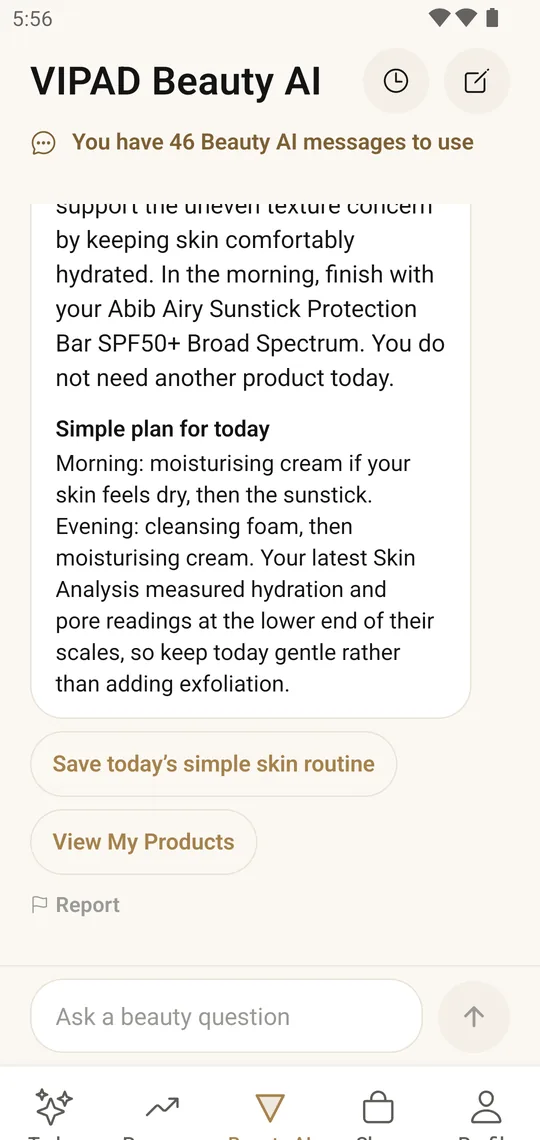
In the app
Beauty AI answers with the products in My Products in mind, so suggestions start from what you already have.
Product photos stay private, and you can delete a product at any time. Deleting it also removes it from any routine step that uses it.
A five minute monthly check
Once a month, look at your front row and your backup box. Throw away anything past its date or changed in smell, color or texture, move a backup forward when a product is finished, and add one line about anything you stopped using. Five minutes keeps the shelf clear for the whole month.
Keep your shelf in one place
My Products in VIPAD tracks opened dates, expiry and what worked for you.